
Simple, Reliable Multimedia Playback
Overview
VidBox is a desktop multimedia player designed to deliver straightforward playback of video, audio, and image files. Since its release in 2009, the software has maintained a focus on simplicity and reliability, making it a go-to choice for users seeking a no-frills media experience. It is built to handle a wide range of file types without requiring complex setup or additional codecs, which helps reduce user frustration during playback.
The software is ideal for both casual users and professionals who need a dependable tool for reviewing multimedia content. Its lightweight design ensures minimal system impact, making it suitable for older or lower-spec machines. Whether used for personal entertainment, quick file previews, or content verification, VidBox provides consistent performance across its supported platforms.
Developed by the VidBox Team, the application has evolved over time to maintain compatibility with common multimedia formats. While detailed developer background information is not available, the software’s longevity suggests a stable and dedicated development effort. Real-world use cases include watching home videos, playing music files, viewing image galleries, and testing embedded animations.
Key Features & Capabilities
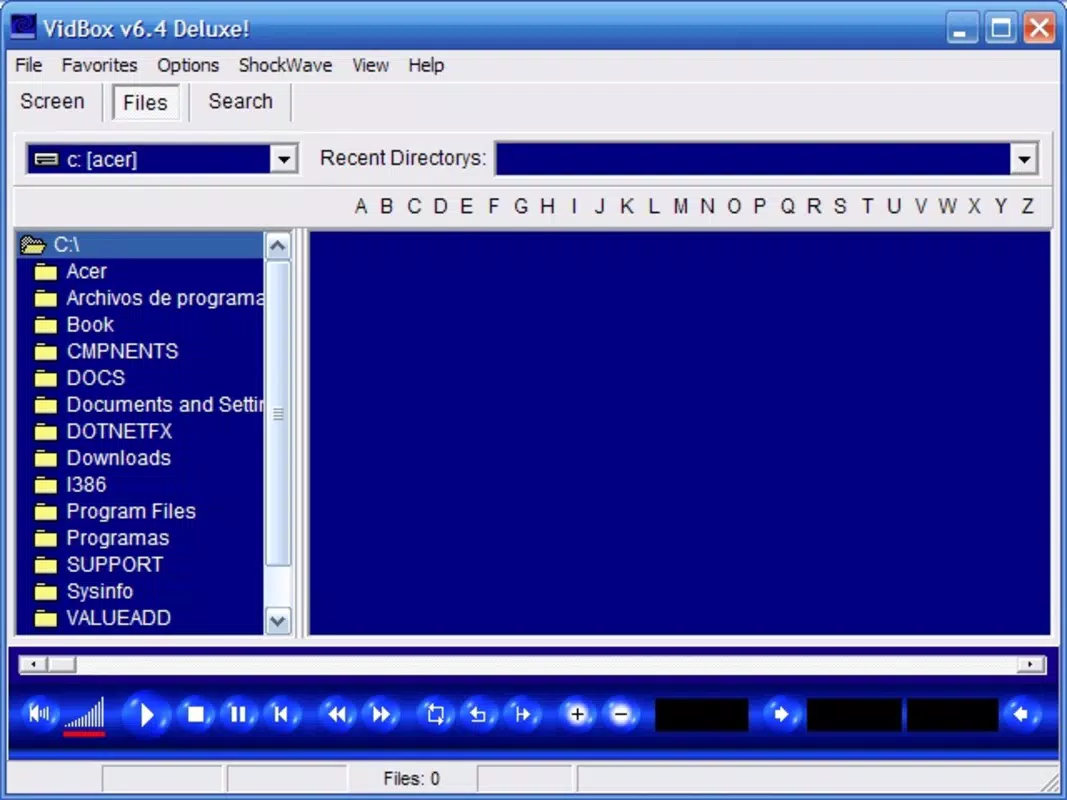
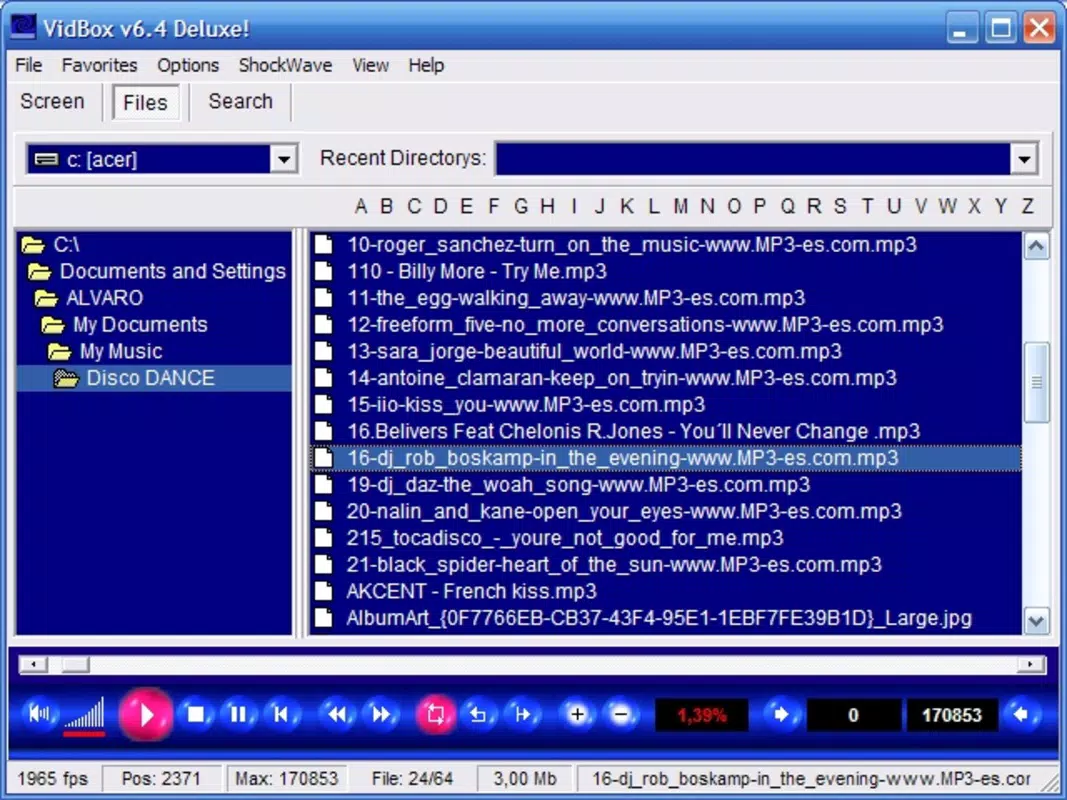
- User-Friendly Interface: VidBox features a clean, intuitive layout that simplifies navigation for users of all experience levels. The interface is designed to minimize clutter and prioritize essential playback controls, enabling quick access to play, pause, stop, and volume adjustment.
- Comprehensive Format Support: The software supports a broad selection of multimedia formats, including MPG, MP3, WAV, MID, ASF, ASX, WMV, AVI, JPEG, BMP, and SWF. This allows users to play most common video, audio, and image files without format conversion.
- Zoom and Drag & Drop: Users can adjust the display size using built-in zoom options and manage files through drag-and-drop functionality. This feature enhances control over the viewing experience and simplifies file organization during playback.
- Volume Control & Fullscreen Mode: Real-time volume adjustment and the ability to toggle fullscreen mode provide flexibility in different environments. These tools help tailor the experience for private listening or group viewing.
- Flash Animation Support: VidBox includes native support for Flash animations (SWF files), allowing users to view interactive content directly within the player without relying on external plugins.
These capabilities make VidBox a practical tool for users who frequently work with diverse media files and want a single application that handles playback without complications.
User Interface, Workflow & Performance
The user interface of VidBox is structured around core playback functions, with controls arranged logically for ease of access. Navigation is primarily mouse-driven, and the layout remains consistent across sessions, reducing the learning curve for new users.
Workflow efficiency is enhanced by features such as drag-and-drop file loading and immediate playback initiation. Users can open files directly from the desktop or file explorer, minimizing steps between file selection and playback. The interface remains responsive during playback, with minimal lag observed in typical use cases.
Performance details were not specified by the developer. However, given the software’s file size of 3.7 MB and its long-standing presence, it is likely optimized for low resource consumption. The developer did not provide additional system requirements, so exact CPU or RAM usage remains unknown. General software behavior patterns suggest stable operation under normal conditions.
Compatibility & System Requirements
VidBox is available for both Windows and Mac operating systems. The current version is 2.1.0, with a file size of 3.7 MB, indicating a lightweight installation. This small footprint suggests compatibility with older systems, though specific hardware requirements were not listed.
Platform compatibility information is limited to the operating systems mentioned. The developer did not specify minimum processor speed, RAM, or graphics capabilities. Exact performance details were not provided. Users should ensure their system supports the listed platforms before installation.
Pros and Cons
Pros
- Simple, intuitive interface suitable for all user levels
- Supports a wide range of multimedia formats, including legacy types
- Lightweight installation at just 3.7 MB
- Native Flash animation playback without external dependencies
- Free to download and use with no licensing restrictions
Cons
- No official updates or changelog available since release
- Developer did not publish detailed system requirements
- Performance and resource usage data were not specified
- Limited information on security practices or update frequency
- Interface lacks advanced customization options
FAQ Section
Is VidBox compatible with Windows and Mac?
Yes, VidBox is available for both Windows and Mac operating systems. The software was designed to function across these platforms, though specific compatibility details were not provided by the developer.
Is VidBox safe to download and use?
As a free desktop application with a long-standing release history, VidBox is generally considered safe. However, since no official security verification or update logs are publicly available, users should ensure they download from trusted sources.
Does VidBox require regular updates?
There is no public information on update frequency or release schedule. The last known version is 2.1.0, released in 2009. Users should verify the software’s current status and security posture before use.
Can I use VidBox offline?
Yes, VidBox operates as a standalone desktop application and does not require an internet connection for core playback functions. All media files are processed locally.
What type of license does VidBox use?
VidBox is distributed as free software with no purchase required. The developer did not specify the exact license type, but its free availability suggests open or permissive usage rights.
Final Thoughts + CTA
VidBox remains a solid choice for users seeking a straightforward, lightweight multimedia player. Its ability to handle diverse file formats—including older or less common ones—makes it a reliable tool for playback across various use cases. While the software lacks modern features and update activity, its core functionality continues to serve users who value simplicity and minimal system impact.
For those who need a no-hassle player for video, audio, and image files on Windows or Mac, VidBox offers a proven solution. Its free status and broad format support provide strong value, especially for users working with legacy content or limited hardware.
Download VidBox now


